Teams as the workplace
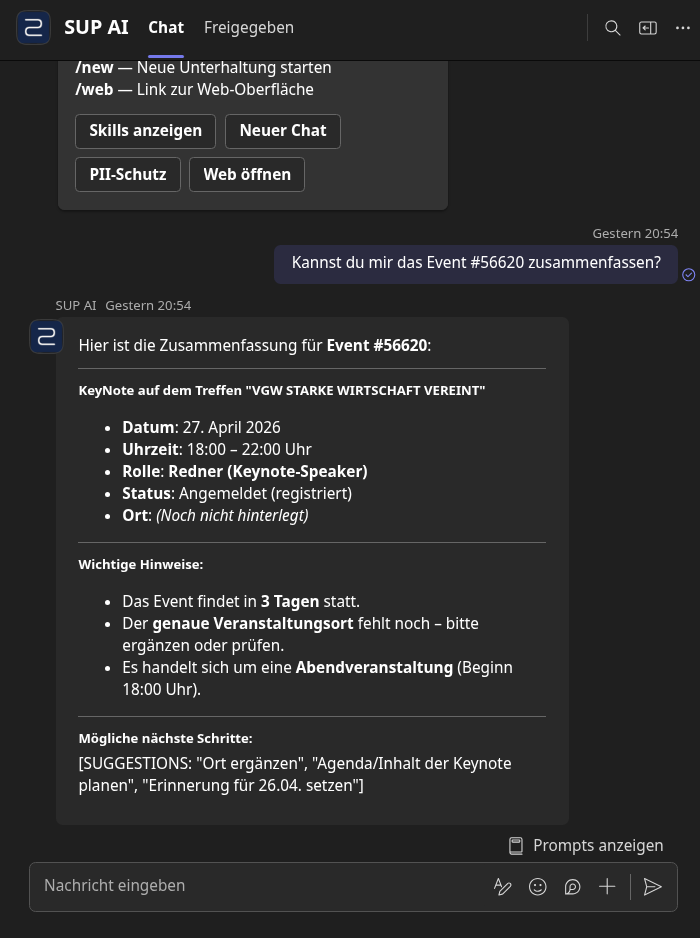
Dictation, question, photo from the site visit in the Teams chat, the answer comes back there.
No migration, no new software. A stable system that uses AI with clear guardrails where it actually takes work off your hands.
What you have in mind
Agents are the big promise right now, and part of it is true. What decides, though, is not the agent but the system around it.
You think
The AI should work inside our systems, not beside them.
Our experience
Exactly. Outlook, Teams, SharePoint, your specialist program. Our own interface is an offer, not a condition.
You think
It should do tasks, not just answer questions.
Our experience
Yes, and the right ones. Note, appointment, file, draft. The assessment stays with you. That is not a gap, that is the point.
You think
If it is secure, ChatGPT will do.
Our experience
We would be careful there. A public tool sees your clients in plain text. You are bound to confidentiality, in the crafts by § 91 HwO. Better if the assistant never receives the names at all.
You think
We will build a few agents and orchestrate them.
Our experience
That is the part that tips over. A single agent runs quickly. Several calling each other lose the thread: who saw which data, who decided, what is in the log. We orchestrate too, but the rules for it live in the system, not in the prompt.
Where it works
Nothing is replaced. The assistant gets tools for the programs you use today.
Dictation, question, photo from the site visit in the Teams chat, the answer comes back there.
Mailbox and calendar in both directions. The file stays in SharePoint, searchable.
Gutachten Manager, SV Works, Bauexpert, autoiXpert: stays. We attach to export or API.
DAT, Audatex, GT Motive: the figures come from there, the assistant reads the export.
The invoice grows out of the case and goes as PDF and export to accounting or tax advisor, whether DATEV or Lexware.
Calendar subscription, CSV, REST and MCP, through which a Copilot uses the same tools.
Law firm, engineering office, planning office? The path is the same.
The limit
Darmstadt regional court, 10 November 2025, 19 O 527/16: an expert had produced the report with AI and had not disclosed it. The court cut the fee from 2,374.50 euros to 0.00 euros (§ 407a para. 3 ZPO, § 8a para. 2 JVEG).
The assistant may do the legwork. Findings, assessment and signature stay with you, and you can prove it. The DGuSV described in 2026 where the line runs.
„Even if a software error is present, you are liable for the report you deliver.“
Permitted, according to DGuSV
Stays with you
What it takes over
The clips run in our own installation, with invented data. At your office the same runs deeply integrated in and with your programs, in the Teams chat or in Outlook.
1 / 4
Speak your findings into the phone. The note sits in the case.
2 / 4
Which moisture readings were in the first protocol? The answer names passage and document.
3 / 4
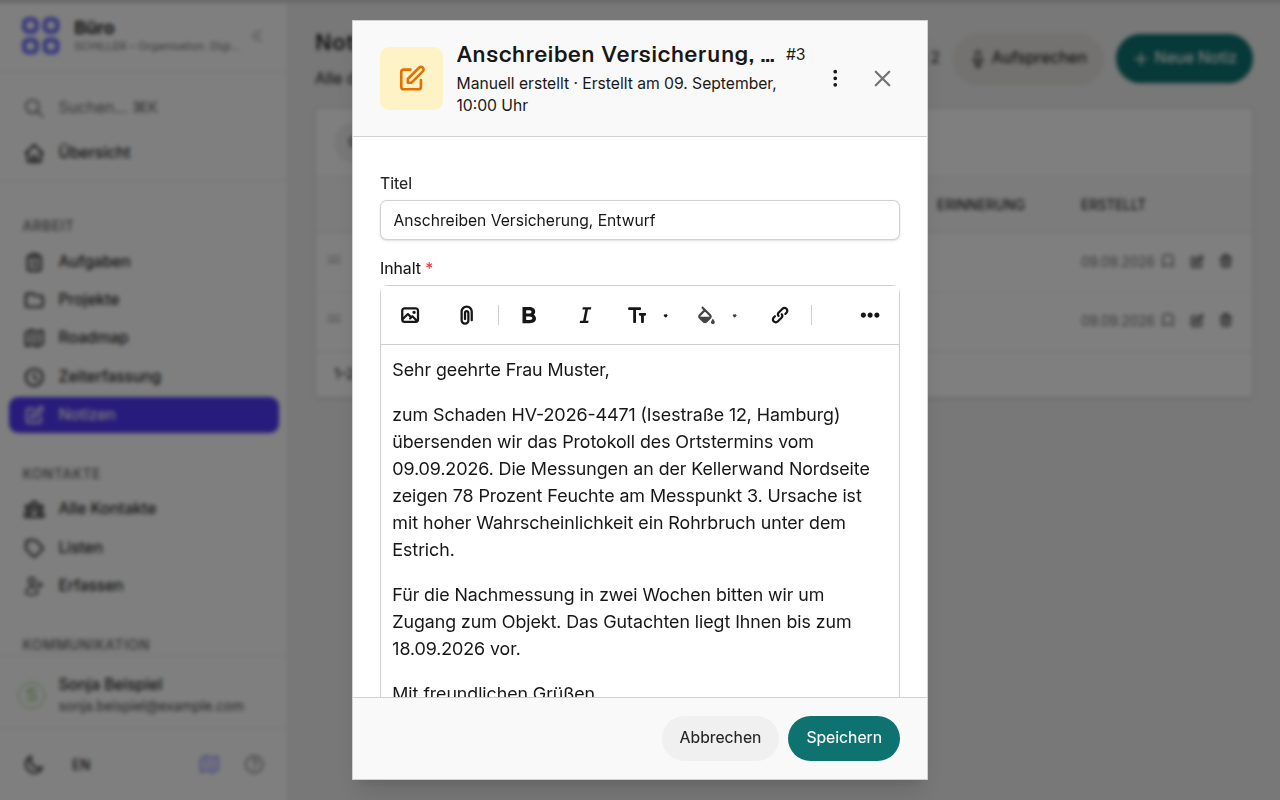
The draft grows out of the case. You review and send.
4 / 4
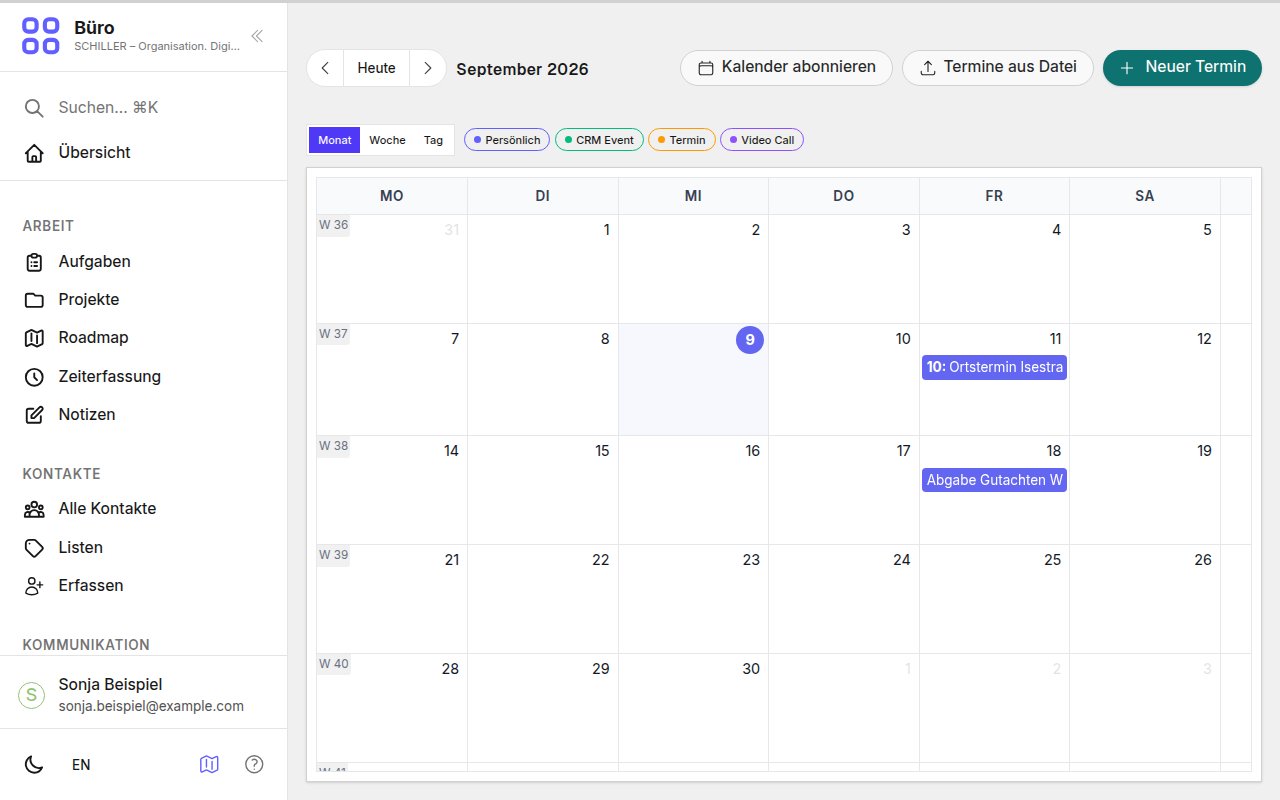
Site visits and submission deadlines in the calendar you already have.
How the system is built
An agent that may do everything is built in an afternoon. We chose the more thorough way: a system between your programs and the language model. It knows the rights, replaces personal data before the model sees it, and audits every step. Its broad tool base gives the assistant a strong and secure foundation.
Where you work
Teams · Outlook · Phone, dictation · Microsoft Copilot
SCHILLER control layer
Your systems
Appraisal software · SharePoint, OneDrive · Outlook calendar · DAT, Audatex, GT Motive · Accounting, tax advisor · Email · Language model, replaced names only
The middle is what we build and run. It decides who sees what, what the model receives and what goes into the log. Left and right, everything stays as it is.
One click shows whether protection is active.
How many personal data items were replaced. No plain text, only checksums.
Underneath: a modular system
We work with this system and its modules ourselves every day, and we build the same modules into systems like yours. You take the assistant alone or more of it, at your pace.
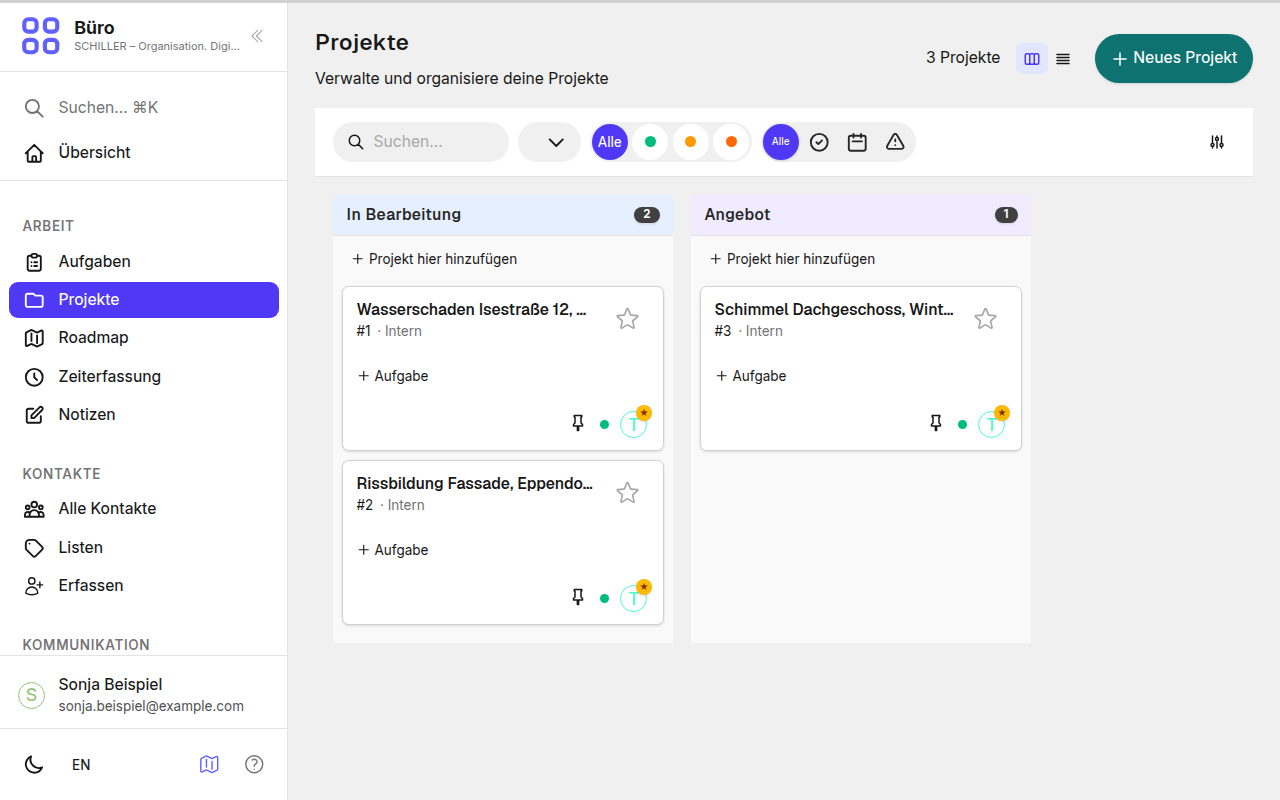
Status, parties, documents, notes.
Synced with Outlook.
On the case, in the calendar.
With owner and reminder.
The basis of the invoice.
From the case, as PDF for your accounting.
Searchable, with source.
Microsoft account or passkey.
How we work
No transformation. After four weeks the assistant does one thing, and you know whether to continue.
1
Where time is lost, from order to invoice.
2
One thing, the team, four weeks. Then measure.
3
If it holds, the next module follows. If not, we say so.
Who we are
What is outside our field we bring in from our network. Who is part of the first conversation.
We do this ourselves
We build and run the system ourselves and bring in partners where it fits.
So the new way of working stays with the team.
Built with the team, not for the team.
With us or on your server, with EU partners for data centre and language models.
We bring this in
Contracts and records are checked by lawyers.
Your own server? Access and backups are checked from outside.

